
To All Import/Export Enterprises:
The supporting certificate for the e-Port client control will expire on June 26, 2026, at 24:00. After this time, the control will become invalid, and all Single Window operations—including customs declaration, tax/fee payment, certificate of origin, manifest, and foreign exchange—will be unavailable. Please complete the two updates below by June 24 to avoid last-minute system congestion.
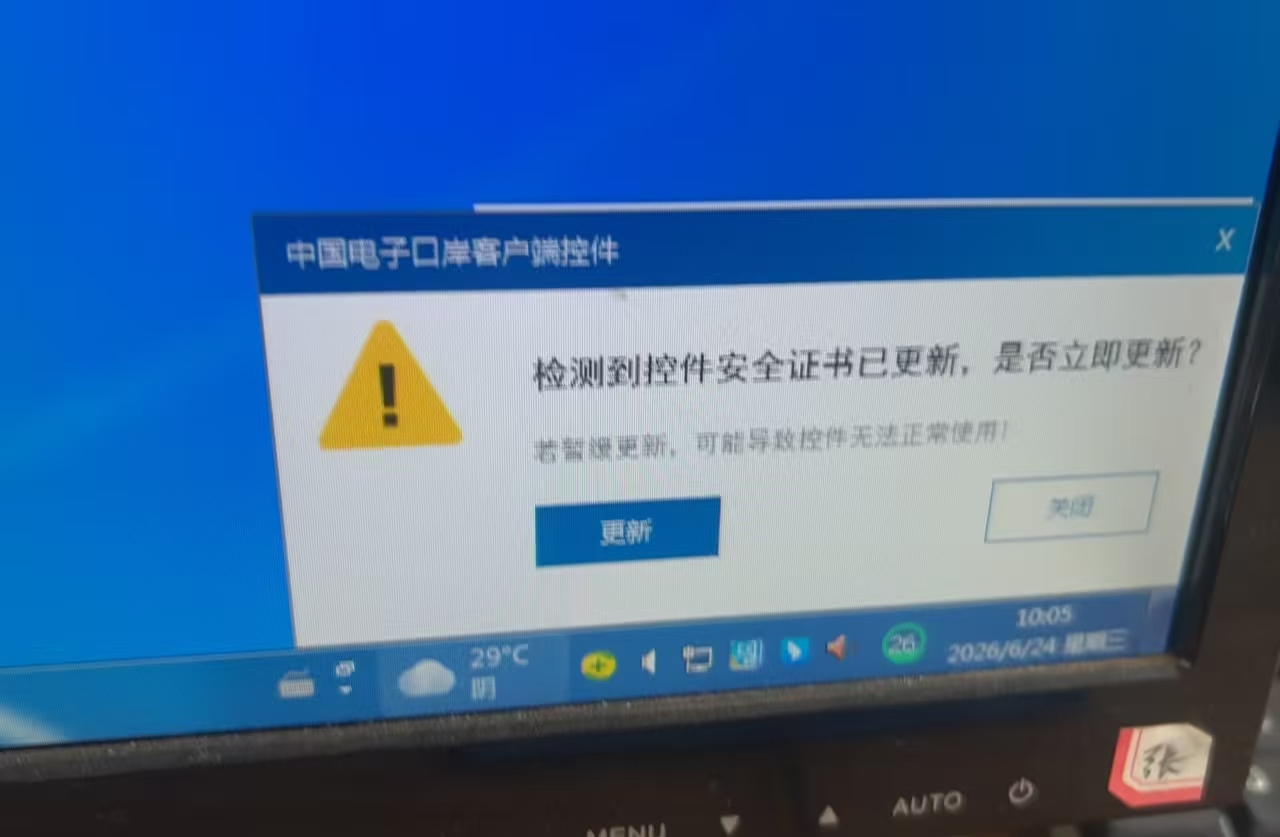
I Mandatory: Upgrade the Client Control (Must be completed before June 26)
The expiring certificate is for the PC client control encryption certificate. All office computers used for customs declaration and financial operations must be upgraded individually—upgrading only one computer is not sufficient. Target version: 1.6.57
Purpose of the client control: It establishes an encrypted channel between your computer and the customs server—it is a software tool certificate.
Method 1 (Recommended – stable and trouble-free)
- Close all browsers on your computer.
- Click the Start menu (bottom-left), and locate the “China e-Port Client Control” folder.
- Click “Check for Update” and follow the on-screen prompts to complete the installation.
- Restart your computer for the update to take effect.
Method 2 (Backup – use if the Start menu entry is missing)
- Visit the official Single Window homepage, go to the “Latest News” section, and download the official control installation package.
- Before installation, be sure to exit all antivirus software and close all browsers to prevent installation from being blocked.
II Optional Self-Check: IC Card Digital Certificate Extension (Not part of this mandatory update)
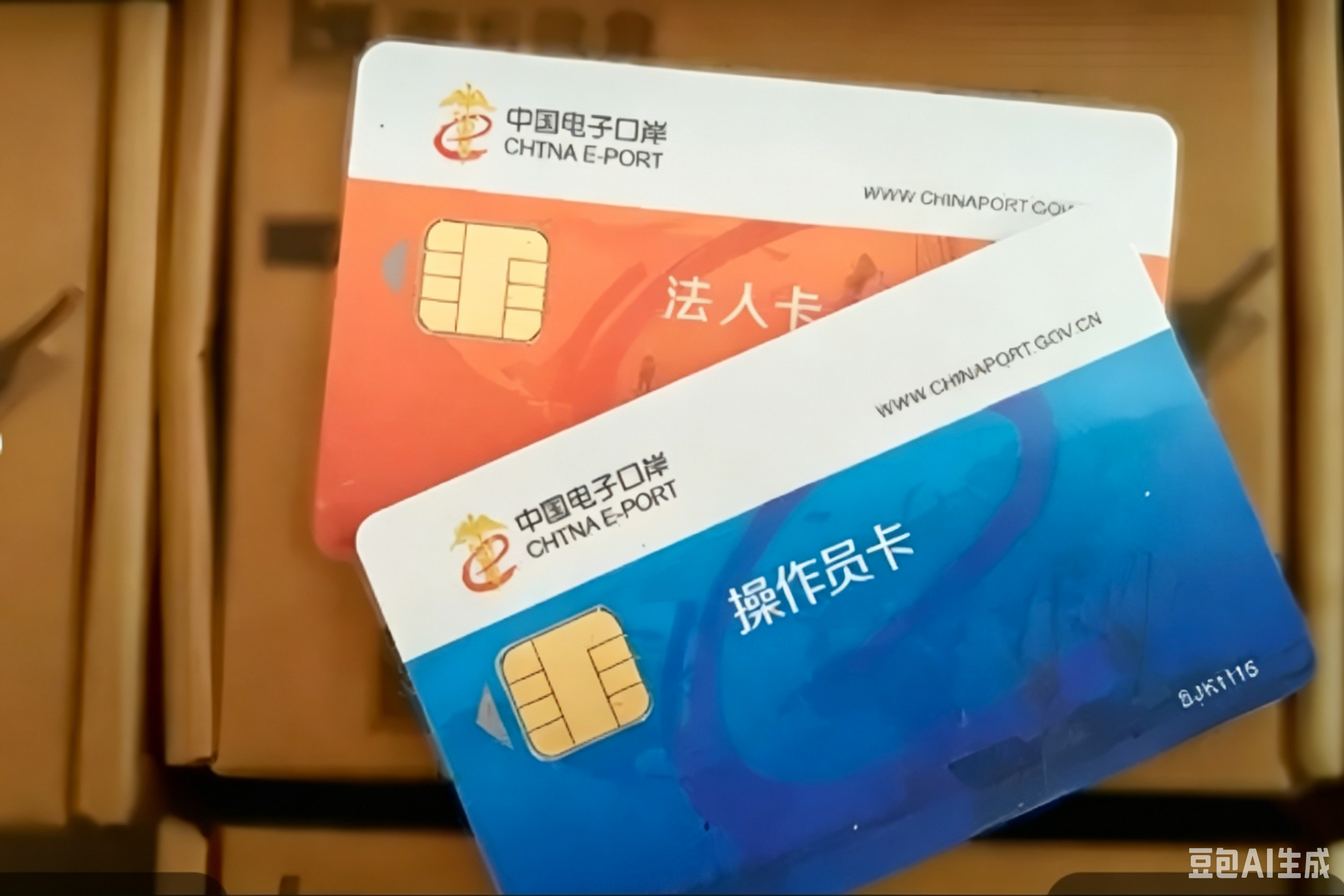
The certificate embedded in the IC card is independent of the client control certificate. Each legal person or operator card has its own validity period and does not expire synchronously with the June 26 client control deadline. Enterprises may perform this extension on an as-needed basis.
Online Process (Operated with the Legal Person Card)
- Insert the Legal Person card and log in to the China e-Port official website: e.chinaport.gov.cn.
- Enter the “Card Issuance and Digital Certificate Service System” and select “Card Media Management” from the left menu.
Off-Channel Process (If online extension fails)
If online extension fails, please bring the following documents to the nearest customs card-issuing window. Processing takes 1–3 business days—please allow sufficient time:
- Business license
- Original ID of the legal person or authorized handler
- Legal Person card + all Operator cards
Important Reminders for IC Card Operations
- You will need to enter the card’s PIN code for the extension. The card will be locked after 5 consecutive incorrect entries—verify carefully before typing.
- Only use official channels for extension. Avoid third-party or unofficial tools to prevent malware risks.
III. Verification Steps After Updating (Recommended after both operations)
After restarting your computer, insert your IC card and log in to the Single Window. Open the “Customs Declaration” or “Tax/Fee Payment” module. If no error pop-up appears, the update has been successful.
Key Summary
| Item | Requirement | Deadline / Impact |
|---|---|---|
| Client Control Upgrade | Mandatory – expires June 26; operations will be blocked immediately after. Must be upgraded on every office computer. | Must be completed before June 26. |
| IC Card Certificate Extension | Optional self-check – does not affect the current control expiration. Only needed when your card’s own validity is about to expire. | As needed per card expiration date. |
For any issues during upgrade or extension, please contact the China e-Port National Unified Customer Service Hotline.
Post time: Jun-26-2026